The Hidden Latency Tax You're Paying Every Time You Plug In an Adapter
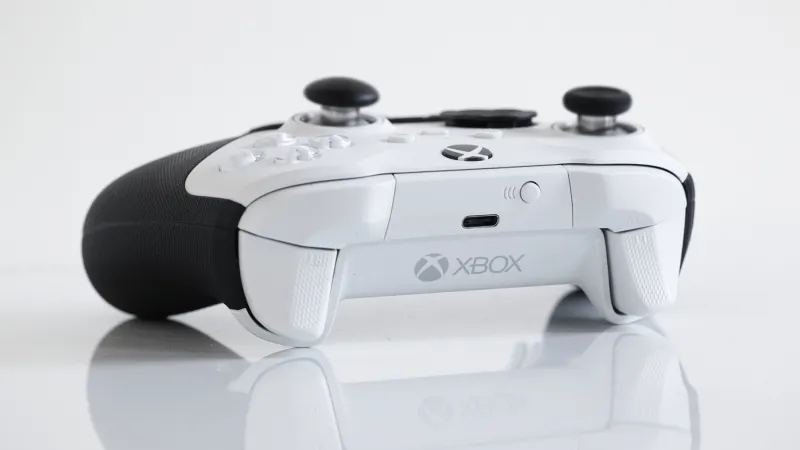
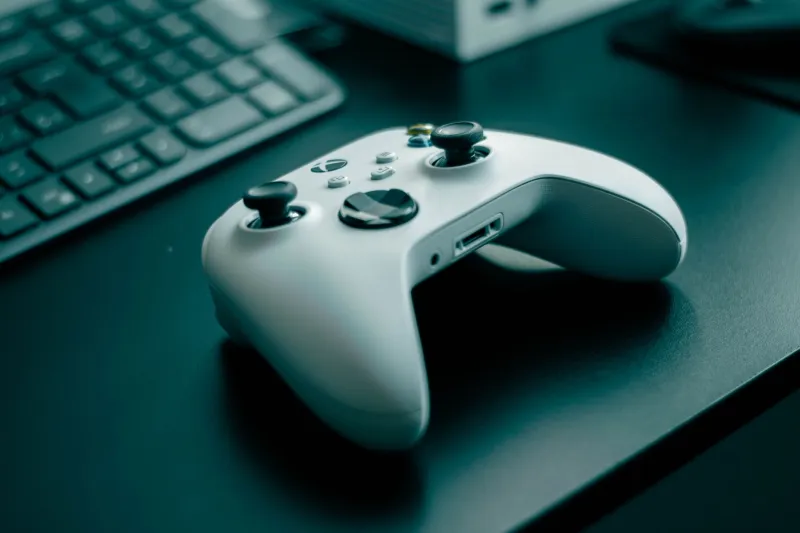
You spent real money on your controller. Maybe it's a premium Xbox Elite Series 2, or a pro-grade DualSense Edge, or some boutique custom build you waited six weeks to receive. You've dialed in your deadzones. You've broken it in just right. And then you slap a $25 USB adapter on it to make it work across platforms — and wonder why something still feels slightly off.
Here's the thing nobody in the adapter marketing copy is going to tell you: every layer of translation hardware you add to your input chain has a cost. Sometimes it's tiny. Sometimes it's not. And in competitive gaming, "tiny" can be the difference between a clutch and a respawn screen.
Let's talk about the adapter tax — what it is, how it works, and which cross-platform solutions are worth your trust.
What the Adapter Tax Actually Means
When your controller sends a signal to your platform, that signal travels through a chain. With a native wired connection, that chain is short and fast. Add a wireless dongle, a Bluetooth stack, or a third-party USB adapter into that chain, and you're introducing additional processing steps — each one burning through a slice of your input budget.
Input lag is cumulative. Your display adds some. Your platform's polling cycle adds some. Your controller's internal processing adds some. Adapters add their own slice on top of all of that. In isolation, any single source of latency might feel invisible. But stack them up and you start building a setup that's noticeably behind the game — even if you can't consciously identify why.
The technical term you'll see thrown around is "polling rate" — how frequently your adapter checks in with the controller for new input data. A native USB connection on most modern controllers polls at 1000Hz, meaning it checks for input every millisecond. A lot of budget adapters poll at 125Hz. That's every 8 milliseconds. Eight. Milliseconds. Gone. Before the signal even reaches your platform.
The Wireless Dongle Problem
Proprietary wireless dongles — the kind that come packaged with controllers like the Xbox Wireless or the DualSense — are generally the gold standard for wireless input. They're designed in-house, optimized for the specific controller's signal, and usually perform within a few milliseconds of a direct wired connection.
The problems start when you try to take that controller somewhere it wasn't designed to go.
Say you want to use your Xbox Elite on PS5. Or your DualSense on PC through a third-party receiver. Now you're relying on adapter hardware that has to receive one signal, interpret it, and retransmit it in a format the target platform understands. That translation process is where the latency bleeds in.
Some of the more popular cross-platform adapters on the market — brands like Brook, Mayflash, and 8BitDo — have put serious engineering work into minimizing this overhead. Brook's products in particular have developed a reputation for tight polling performance, with some of their adapters hitting latency numbers competitive with native connections. But even the best third-party hardware isn't quite the same as running native.
Bluetooth: The Convenient Compromise
Bluetooth is a different beast. It's convenient, it's universal, and it's genuinely terrible for competitive gaming at the margins.
Standard Bluetooth controllers typically introduce between 10 and 40 milliseconds of additional latency depending on the implementation, the platform's Bluetooth stack, and how congested your wireless environment is. Yes, your neighbor's smart refrigerator can technically make your gaming session worse. This is the world we live in.
For casual gaming, Bluetooth is fine. For anything where reaction speed matters — fighting games, FPS titles, battle royale, competitive sports games — Bluetooth is a liability. It's not that you'll always feel it. It's that it's there, and it's not helping you.
Some newer Bluetooth implementations have improved significantly. Xbox controllers running Bluetooth 5.0 on a clean PC environment can perform respectably. But "respectably" isn't the same as "optimally," and if you're serious about your setup, that gap matters.
Which Adapters Actually Hold Up
We're not going to pretend every adapter is the same, because they're not. Based on published latency testing from sources like Digital Foundry and community benchmarks from competitive gaming forums, here's a rough hierarchy of what's actually performing:
Best-in-class for cross-platform: Brook Wingman series adapters consistently show up near the top of third-party testing. Their polling implementation is solid, and they support a wide range of controller-platform combinations. If you need a cross-platform solution for competitive play, Brook is the name that comes up most reliably.
Solid mid-tier option: 8BitDo's USB adapters are well-built and perform better than their price suggests. They're not quite at Brook's level in raw latency numbers, but for most competitive contexts — outside of the absolute highest-stakes tournament environments — the difference is unlikely to decide matches.
Avoid for competitive use: Generic no-name adapters sold in bulk on Amazon are a crapshoot. Some are fine. A lot poll at 125Hz and introduce 8+ milliseconds of input delay before your signal even starts its journey. If the product listing doesn't mention polling rate, that's usually a bad sign.
When Does the Lag Actually Matter?
Honest answer: it depends on what you're playing and at what level.
In a casual Fortnite session with friends, a 5ms adapter overhead isn't going to cost you anything meaningful. In a ranked Tekken 8 match where frame-perfect inputs determine combo execution, that same 5ms is most of a frame at 60fps — and a full frame at 30fps. That's real.
The sports game community — particularly FIFA and NBA 2K players — has been vocal about adapter latency for years, because the tight timing windows in those games make even small delays feel wrong. FPS players chasing high-rank lobbies in games like Valorant and CS2 are similarly sensitive. If you're competing at a level where the game's margin for error is already razor-thin, you want every millisecond you can recover.
For everyone else, the adapter tax is real but probably not the thing standing between you and your next rank up. That said, why pay a tax you don't have to?
The Move: Go Native When It Counts
The cleanest fix for adapter latency is to not use an adapter. It sounds obvious, but it's worth saying plainly. If your primary competitive platform is PC, get a controller with a native PC connection — either wired USB or a first-party proprietary wireless receiver. If you're on PS5, use a DualSense natively. If you're on Xbox, use an Xbox controller.
When cross-platform play is unavoidable — say, you travel to LAN events on different setups, or you genuinely need one controller to work across multiple platforms — invest in a quality adapter. Brook Wingman is the benchmark. Don't cheap out on the one piece of hardware that sits directly in your input chain.
The adapter tax is real. It's measurable. And unlike most gaming expenses, it's one you can actually eliminate without spending a fortune. Know what you're paying, and make sure you're getting something worth the cost.