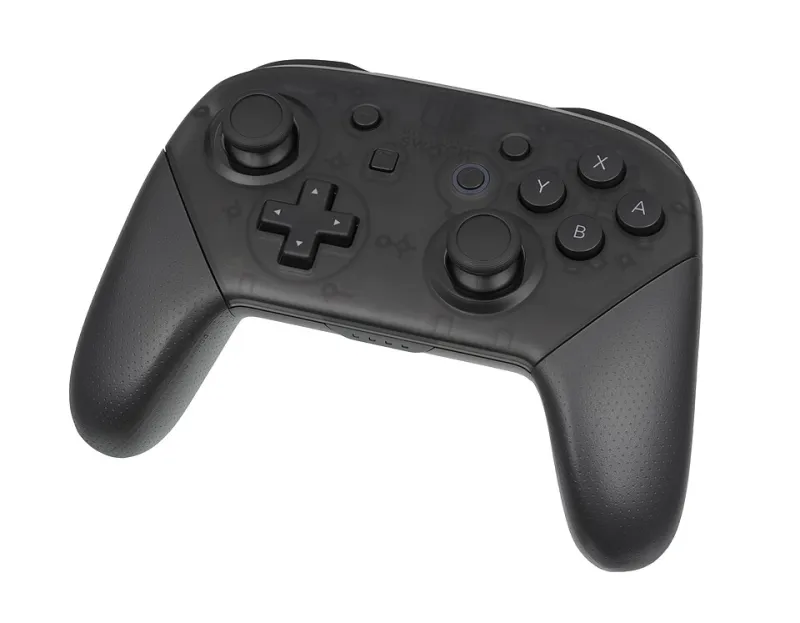
You Dropped $2,000 on a Gaming PC and Then Plugged In a $20 Controller — We Need to Talk
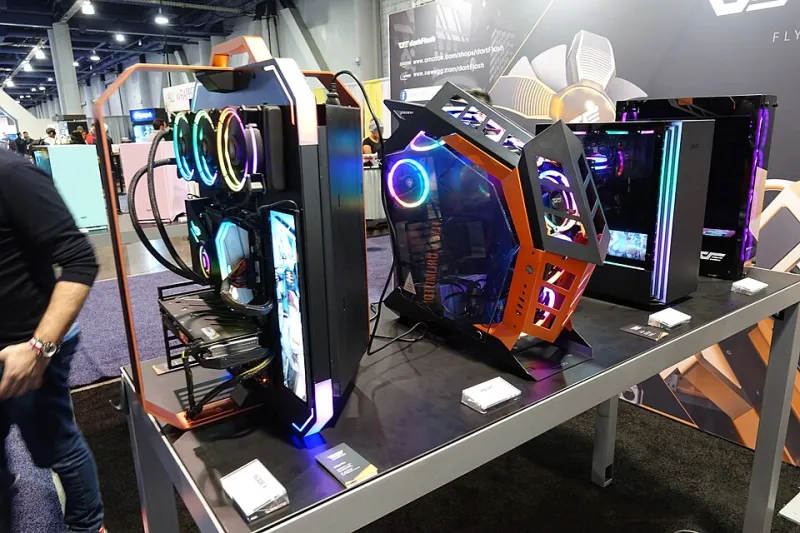
Photo: Notdjey, CC BY 2.0, via Wikimedia Commons
Let's paint a picture. You spent the better part of three months researching GPUs, agonized over whether to go AMD or Intel, splurged on a 240Hz monitor, and even sprung for the fancy mesh gaming chair. Your setup looks like something out of a YouTube build video. And then, sitting right there in the center of it all, is a $19.99 third-party controller you grabbed off an Amazon listing with 47 reviews and a suspiciously low price.
We get it. Controller shopping doesn't feel as exciting as picking a graphics card. But here's the uncomfortable truth: that cheap controller is actively holding your performance back, and it's doing it in ways you probably can't even see.
The Bottleneck Nobody Talks About
PC builders love talking about bottlenecks. CPU bottleneck. GPU bottleneck. RAM speed bottleneck. But input latency from a low-quality controller? That conversation barely gets a mention on the forums.
Here's what's actually happening. Budget controllers — especially no-name wireless options — often introduce input lag anywhere from 8 to 30 milliseconds beyond what a premium controller delivers. That might sound like nothing, but consider this: competitive players practice to shave reaction times down to the millisecond. Pro FPS players on PC regularly cite input feel as a deciding factor in close-range engagements. When your GPU is rendering frames at 1ms and your controller is adding 20ms of lag on top, you've essentially built a sports car and fitted it with flat tires.
Beyond raw latency, cheap controllers suffer from inconsistent analog stick deadzones, mushy triggers with unpredictable actuation points, and build quality that degrades noticeably within six months of daily use. The sticks drift. The triggers lose resistance. The grip coating peels. You know the drill.
What the Numbers Actually Look Like
We dug into input latency data from several community-driven controller testing projects, including blind tests run by competitive Rocket League and Apex Legends players. The results were eye-opening.
Players using mid-tier to premium controllers — think Xbox Elite Series 2, PlayStation DualSense, or the Razer Wolverine V2 — consistently reported tighter shot registration and more predictable vehicle handling compared to sessions using budget alternatives. When tested blind (players didn't know which controller they were using), the accuracy gap between premium and budget options was measurable in controlled scenarios involving rapid directional inputs and trigger sensitivity.
One data point that stuck with us: in a community test involving 40 players across skill brackets, participants using controllers with sub-10ms wireless latency performed an average of 12% better on reaction-based target drills than when using controllers testing above 20ms. That's not a rounding error. That's a skill gap manufactured entirely by your gear.
The Real Cost of Going Cheap
Here's the math that most gamers never run. A $20 controller that needs replacing every 8 months costs you $30 a year. A $60–$80 mid-range controller that lasts two to three years with consistent performance costs you roughly $25–$40 per year. A $150–$180 premium controller that holds up for four or five years? You're looking at $35–$45 per year — and you're actually getting performance gains in the process.
When you frame it that way, the "expensive" option is barely more expensive. And it's the only one that actually keeps pace with the machine it's connected to.
So What Should You Actually Buy?
The good news is you don't have to go straight for the elite-tier options to feel a massive difference. Here's a quick breakdown of where we'd put your money based on what you're playing:
For general PC gaming and everyday use: The Xbox Wireless Controller (Core or Carbon Black edition) remains one of the best value propositions in gaming peripherals. It connects to PC via the Xbox Wireless Adapter with rock-solid latency, the ergonomics are universally praised, and Microsoft's driver support on Windows is essentially flawless. Street price hovers around $50–$60.
For competitive shooters and action games: The Razer Wolverine V2 Chroma brings remappable bumpers, hair-trigger locks, and a wired USB-C connection that eliminates wireless latency entirely. If you're serious about ranked play in games like Halo Infinite, Call of Duty, or Fortnite, this is the kind of upgrade that pays for itself in ranked points. It runs around $130–$150.
For players who want the best of everything: The Xbox Elite Series 2 is still the benchmark. Adjustable tension thumbsticks, interchangeable components, and a premium build that feels genuinely different from anything else in your hands. At $180, it's a splurge — but it's the last controller you'll buy for a long time.
Your Rig Deserves a Grip That Keeps Up
At Game Gripper, we say this a lot: your hands are the interface between you and the game. Everything else — the GPU, the monitor, the headset — exists to serve that connection. When you cheap out on the one thing your hands never leave, you're undermining every other investment you've made.
Your $2,000 PC can render stunning visuals at buttery-smooth frame rates. It can process physics simulations and AI behaviors at speeds that would've seemed impossible five years ago. But none of that matters if the signal traveling from your thumbs to the game is being filtered through a piece of hardware that belongs in a dollar-store checkout bin.
Upgrade the grip. Own the edge. Your rig is already there — it's time to catch up.